01
ROUNDS & PLAYBACK
Find your moment.
Jump between rounds, seek through the match and slow down the action. Spend your time reviewing the moments that matter.
 DEMO TRACE
THE CS2 DEMO WORKSPACE
The play. The timing. The conversation.
Bring your match back into focus with Demo Trace.
Free during launch / Windows x64
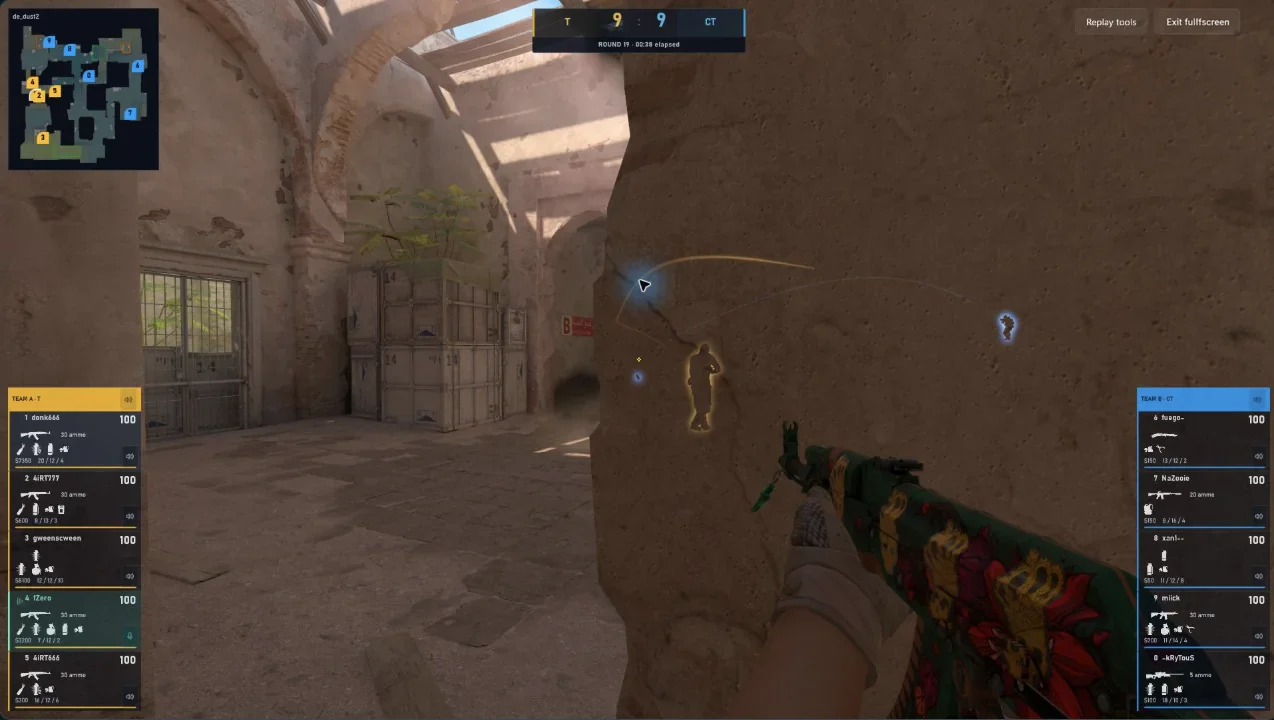
LESS SEARCHING. MORE UNDERSTANDING.
One focused workspace for the things you want to look at again. No need to upload your demo to start a review.
ROUNDS & PLAYBACK
Jump between rounds, seek through the match and slow down the action. Spend your time reviewing the moments that matter.
PLAYER PERSPECTIVES
Follow recorded players and explore the action through your installed CS2 engine. Put a decision back in its context.
RECORDED VOICE
Listen to recorded communication when your demo contains supported voice. Choose the player or team channels you want to hear.
THE ROUND, WITHOUT THE DISTRACTIONS
Switch to fullscreen and stay with the action.
Come back to the workspace when you need the details.
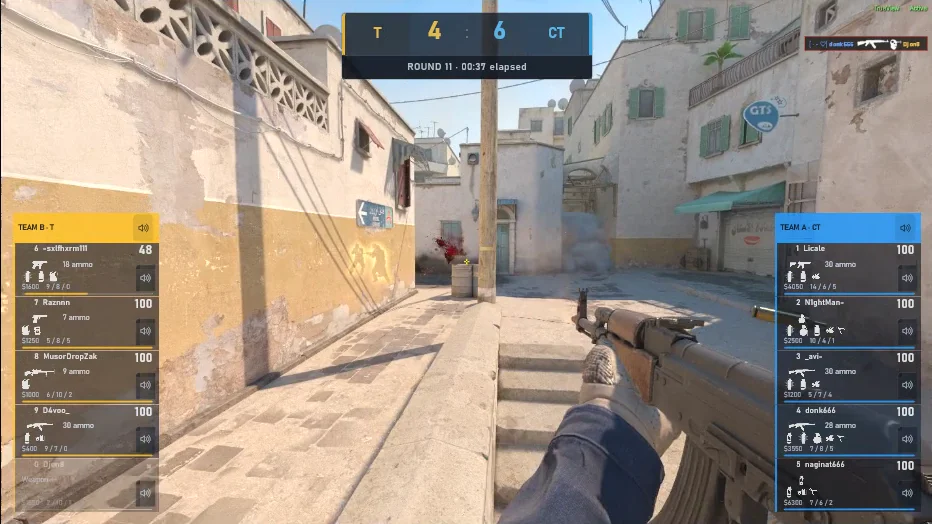
KEEP THE DETAILS THAT MATTER
Explore recorded events. Follow a player. Save a bookmark with a note. Build a clearer picture of the round, one moment at a time.
Explore the viewer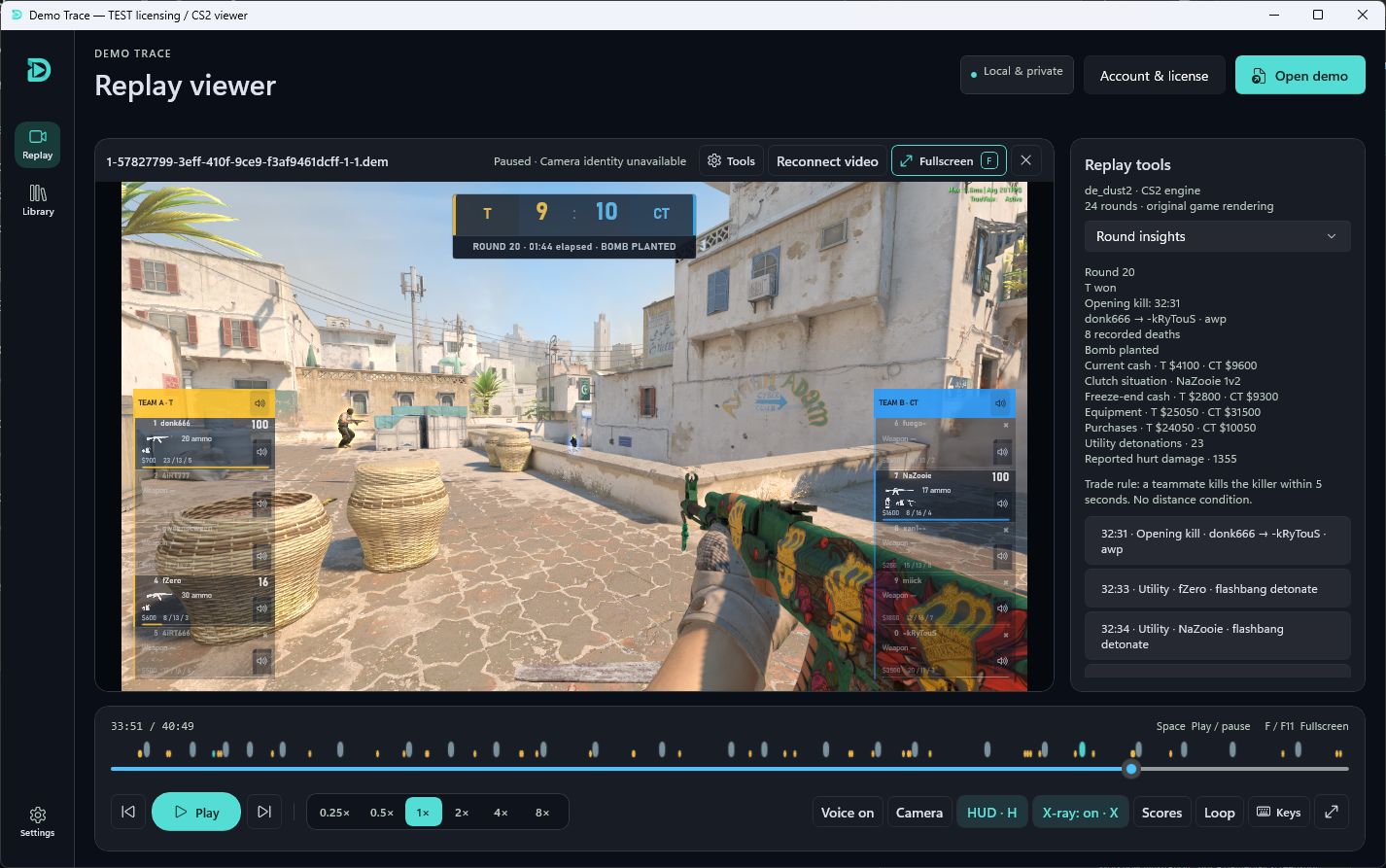
FROM DEMO TO DETAIL
You’ll need Windows, Steam and an installed CS2 copy. Sign in and approve your device when a release is available.
Open a compatible local .dem recording. Your demo library keeps shortcuts to the original files on your computer.
Choose a round, follow the action and keep useful moments with bookmarks and notes.
An internet connection is required. Replay compatibility depends on your installed CS2 build; recorded voice availability depends on the demo. View requirements ↗
YOUR NEXT MATCH STARTS WITH THIS ONE.
Give your game a second look.
Get Demo Trace Free during launch · Windows x64STAY CLOSE TO WHAT’S NEXT
Release news and product updates. Choose to hear from us.